
One of Oracle’s best reporting secrets is already waiting for NR customers. If you’ve never heard of it, buckle up! You’re in for a treat!
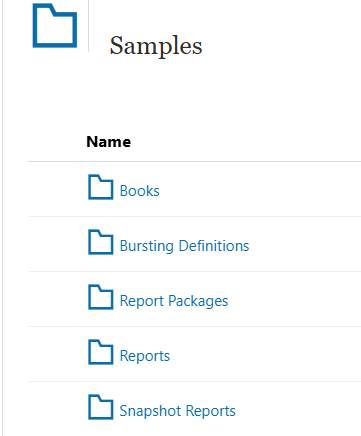
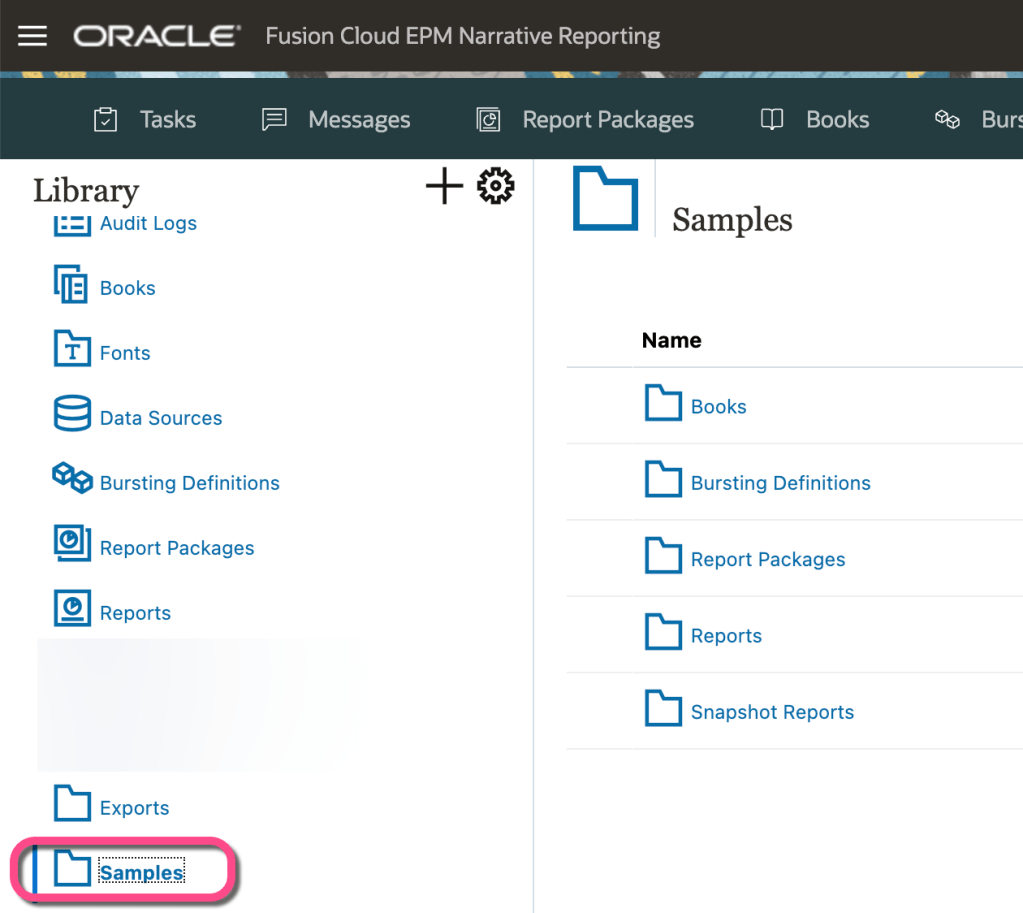
Oracle Narrative Reporting’s best weapon for NR education is their Samples library. And it’s pretty easy to install. Get yourself an NR Administrator who has 5-10 minutes and have them deploy it to a Test environment near you. Then make sure you get at least edit access to it so you can open and deconstruct all the wonderful reporting objects.
This treasure trove of knowledge is chock full of feature goodies. They have examples of every major object in Narrative Reporting (including Report Packages and GenAI Reports!). They also have examples of their most well known features.
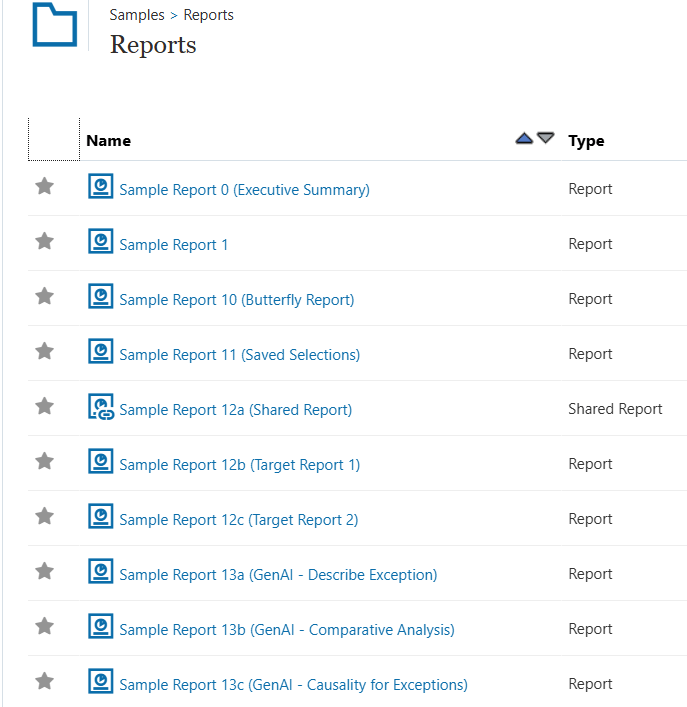
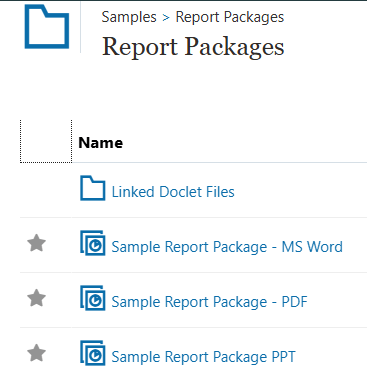
Can’t figure out how to use that Grouping feature? Look at Sample Report 8. Can’t understand how Report Packages work? Look at all 3 of their Report Package samples. How do you create a bursting definition? There are 5 sample objects for that!
It’s amazing how much work they’ve put into their sample library. And guess what? It’s updated on a regular basis. When the NR team releases a new feature, you’ll most likely see a new reporting object in the library that month to accompany the release. I find myself going back to the Samples library when I run into an issue or have a question.
It is invaluable.
So how does one get access to this precious stash?
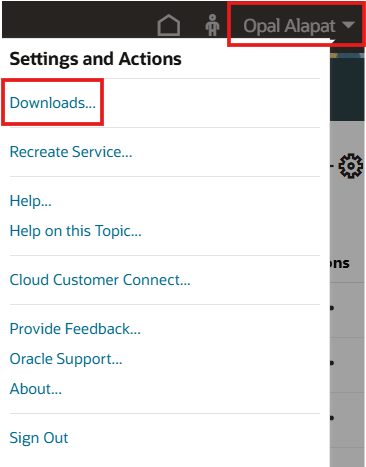
Your NR administrator can find access to the install in their user menu. From there, they will go to Downloads:
Next, they’ll be presented with multiple options. The first one is the best one! Press Get Sample Content:
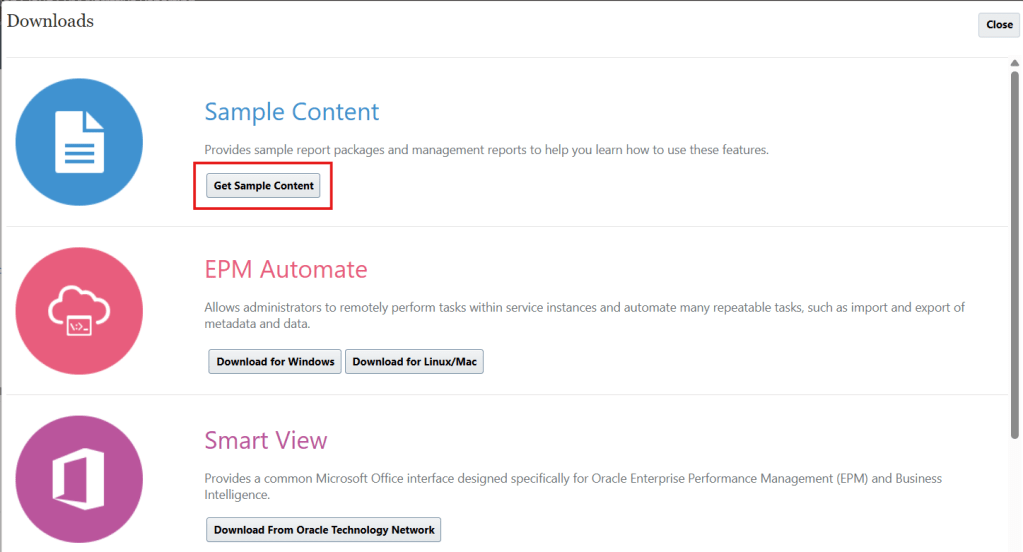
Then wait roughly 5-10 minutes (or just close out of NR if you get bored and let it run in the background). Voila! Your Samples library is now ready for securing and perusing!
Cheers!
 woman in epm
Wish you were going to Kscope, you will be missed.
LikeLike
Awwww, that’s really sweet. Enjoy it! 🙂
LikeLike